


Say hello to CARTO VL 1.2


Read on for highlights of new features functionalities and resources shipped with the latest release of CARTO VL.
New feature: cluster labels
[View this example](https://carto.com/developers/carto-vl/examples/#example-label-cluster-counts)CARTO VL aggregation functions provide a variety of methods to extract different values from your datasets. Cluster aggregation functions in particular summarize point data by aggregating features into spatially grouped clusters. These spatial clusters are calculated based on the resolution and zoom level of a map.
The returned information can then be used to create the popular cluster map. Prior to this release cluster values could be symbolized (by size color etc.) but not labeled.
Based on your requests and feedback with this release you can now label your clusters!
To provide this functionality we had to expose feature aggregation values per cluster in the API. By doing so when using a cluster function like clusterCount() and declaring the following two variables in the viz string:
@ccount: clusterCount() @features: viewportFeatures(@ccount) Provides access to each feature count through the feature properties and the nameof the variable in this case ccount:
const features = viz.variables.features.value; const firstFeatureCount = features[0].properties.ccount;
Getting started
If you are ready to start experimenting with clusters and labels be sure to check out the Label cluster counts and Label cluster average examples in the Developer Center.
New expression: GlobalHistogram
[View this example](https://carto.com/developers/carto-vl/examples/maps/guides/build-custom-charts/step-1.html)This version introduces GlobalHistogram which was implemented as the counterpart to ViewportHistogram. Not only does this addition keep consistency with CARTO VL’s other viewport and global based expressions it also means that you can now access global (not just viewport) based calculations to draw histogram charts for both numeric and categorical data.
Getting started
With this new expression comes a new guide that walks through creating custom charts with both the viewport and global histogram expressions.
While the guide covers how to build custom charts with Chart.js soon Airship histogram widgets will be fully integrated with CARTO VL and GlobalHistogram is a key piece for that integration to happen.
Stay tuned for more on this exciting integration in the coming weeks!
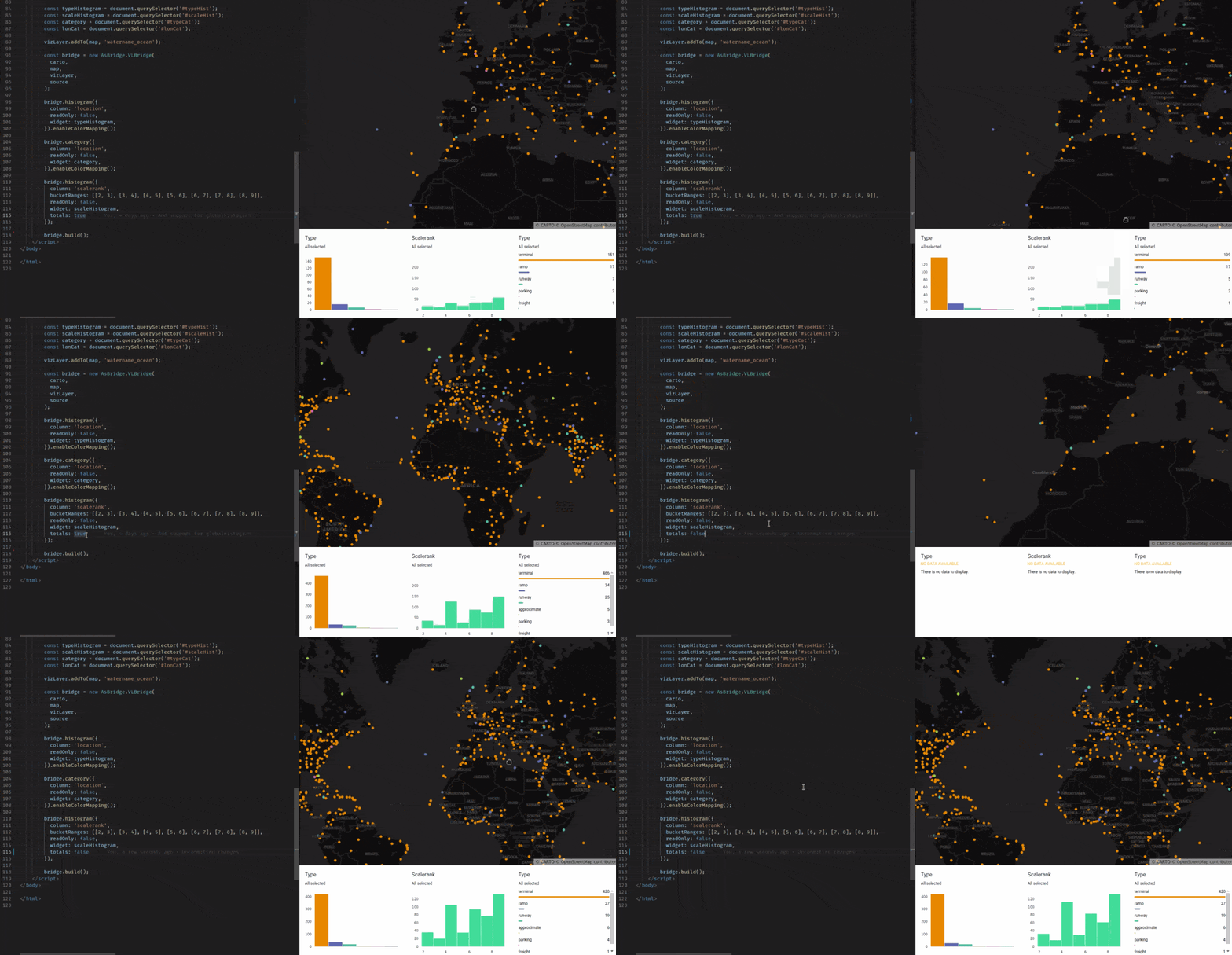
In the mean time here is a sneak-peak at theAirship Bridge:
Added: more examples
We are always working to provide you with a variety of well-organized and useful code examples. With that in mind this release also adds some new content to the VL Developer Center examples section.
Some highlights include:
- Learn how to use VL filters for interactive mapping components in our new Interactive Filter example.
If you want more details about this release be sure to check out our changelog.
Happy mapping!
Don’t forget to share this post on Linkedin!